
Pricing & Rollout: How to Introduce AI Agents Without Breaking Customer Trust
A practical rollout playbook for WhatsApp AI agents: pricing strategy, pilot scope, escalation rules, team training, and how to protect customer trust from day one.
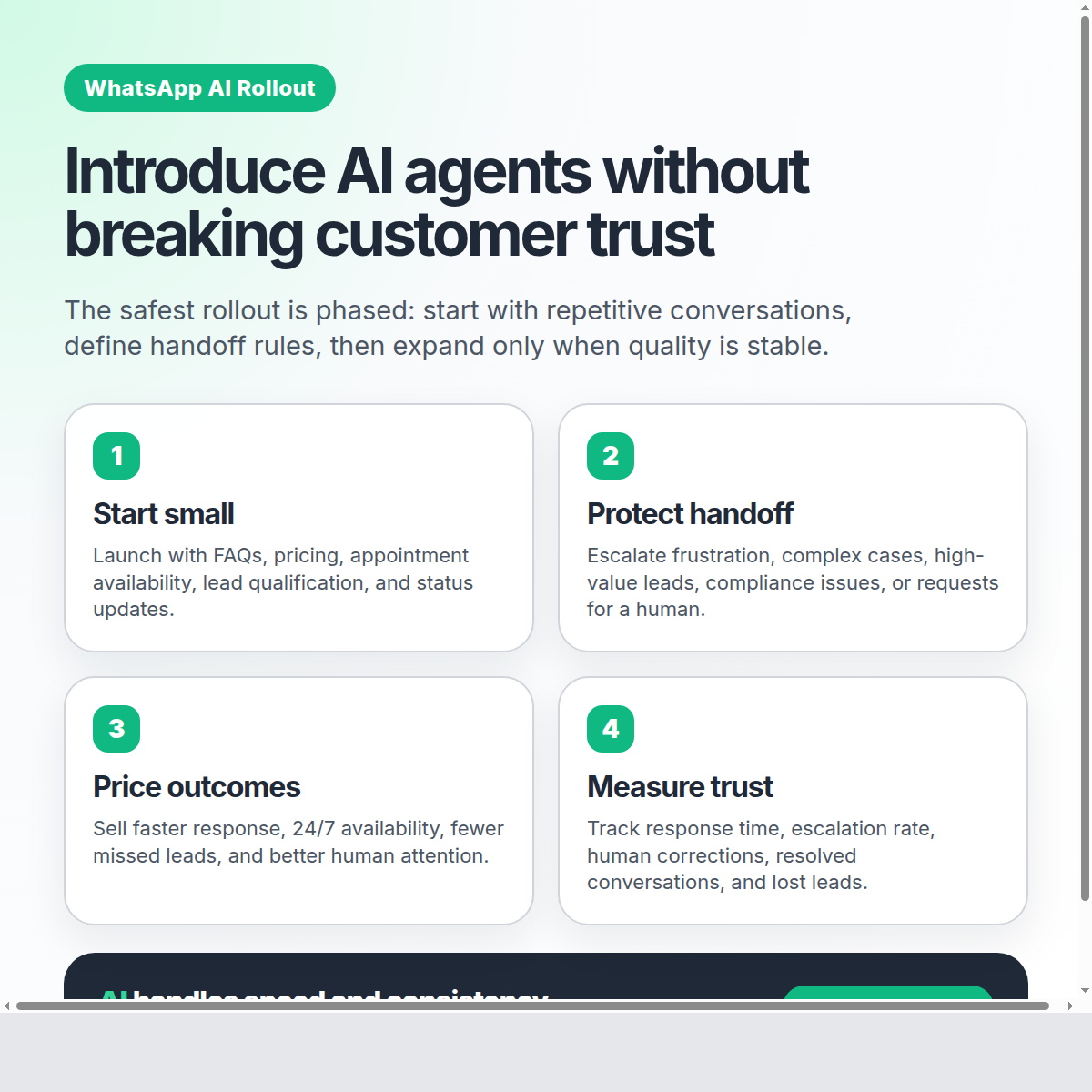
Pricing & Rollout: How to Introduce AI Agents Without Breaking Customer Trust
Adding an AI agent to your customer conversations is not just a technology decision. It is a trust decision.
If customers feel ignored, trapped, or pushed into a robotic experience, the rollout fails — even if the software works. But when the rollout is designed carefully, an AI agent can make your business faster, more consistent, and more available without sacrificing the human relationship your customers already trust.
The key is to avoid the “big switch” approach. Do not replace your support team overnight. Do not hide the human team behind automation. And do not measure success only by how many conversations the AI handles.
A better rollout asks three questions:
- Where should the AI agent start?
- When should a human take over?
- How do we price and package the change so customers see more value, not less?
Here is a practical framework.
1. Start with the safest, highest-volume conversations
Your first AI use case should not be your most complex conversation. It should be the repetitive work your team already handles every day.
Good first use cases include:
- Business hours and location questions
- Appointment availability
- Basic pricing or plan information
- Lead qualification questions
- Order or service status updates
- Frequently asked policy questions
These conversations are ideal because they are predictable, measurable, and easy to monitor. Your team already knows what a good answer looks like.
The goal of the first rollout is not to automate everything. The goal is to prove that the AI agent can respond quickly, stay on-brand, and know when to ask for help.
That last part matters. A good AI rollout is not “AI instead of humans.” It is AI for speed, humans for judgment.
2. Define handoff rules before launch
Most trust problems happen when an AI agent stays in the conversation too long.
Customers are usually fine with AI when they need a quick answer. They are not fine with AI when they are frustrated, confused, asking for an exception, or ready to buy something important.
Before going live, define clear escalation triggers:
- The customer explicitly asks for a person
- The customer shows frustration or urgency
- The question involves a complaint, refund, cancellation, legal, medical, or compliance-sensitive issue
- The opportunity is high-value and needs a closer
- The AI agent is not confident enough to answer
- The conversation has gone back and forth without progress
With EZContact, your team works from a unified inbox where WhatsApp, Messenger, and Instagram conversations are visible in one place. When the AI agent needs support, a human can step in without forcing the customer to switch channels, repeat context, or message another number.
That is the trust-preserving model: the customer stays in the same conversation, while your team takes over behind the scenes.
3. Position pricing around outcomes, not automation
If you introduce AI as “we are replacing support,” customers and team members will feel the risk immediately.
Instead, frame the rollout around better outcomes:
- Faster first response times
- More consistent answers
- 24/7 availability for routine questions
- Better lead qualification
- Fewer missed opportunities
- More time for humans to handle complex conversations
This also changes how you think about pricing.
If your business charges for service, support, appointments, or client management, you do not need to discount your offer just because AI is helping. In many cases, AI increases the value of the service because customers get faster access and more reliable follow-up.
A simple pricing lens:
| Customer value | What the AI improves | Pricing implication |
|---|---|---|
| Speed | Answers in seconds, not hours | Maintain or increase perceived value |
| Availability | Routine support outside business hours | Offer as premium convenience |
| Consistency | Same policies and tone every time | Reduce errors and rework |
| Human attention | Team focuses on complex cases | Position humans as higher-value support |
Do not sell “automation.” Sell the result: less waiting, fewer missed leads, and smoother customer conversations.
4. Roll out in phases, not all at once
The safest rollout plan is phased:
Phase 1: Internal testing
Start with real questions your customers have asked in the past. Test the AI agent against those conversations. Look for tone, accuracy, completeness, and escalation behavior.
This is where EZContact’s one-prompt setup is useful. You do not need to build complicated flows with dozens of nodes. You describe your business, tone, services, rules, and escalation criteria in one prompt, then refine it based on real examples.
Phase 2: Limited live pilot
Choose one channel, one team, or one category of conversations. For example: new lead qualification on WhatsApp during business hours.
During this phase, humans should monitor closely. The goal is not to remove oversight. The goal is to learn quickly.
Track:
- First response time
- Escalation rate
- Resolution rate
- Customer satisfaction signals
- Conversations where humans had to correct the AI
- Questions that should be added to the prompt
Phase 3: Expand use cases
Once the first use case is stable, expand gradually. Add appointment scheduling, follow-ups, CRM tagging, or post-sale support.
Every expansion should come with new examples, updated prompt instructions, and revised handoff rules.
Phase 4: Operationalize
At this stage, the AI agent becomes part of your normal customer operations. Your team checks dashboards, reviews escalations, updates the prompt, and uses the inbox as the command center for all conversations.
5. Train your team to work with the AI, not around it
A rollout can fail even with a strong AI agent if the team does not understand its role.
Your support or sales team should know:
- What the AI agent is allowed to answer
- What it must escalate
- How to take over a conversation
- How to correct knowledge gaps
- How to identify patterns that should be added to the prompt
The best teams treat the AI agent like a new team member that improves over time. Not a replacement. Not a black box. A frontline assistant that handles repetitive work and brings humans in when judgment matters.
6. Be transparent without creating friction
Do customers need a long disclaimer before every conversation? Usually, no. That often creates more friction than trust.
What customers do need is a good experience:
- Fast replies
- Accurate information
- Clear escalation when needed
- No forced loops
- No repeated context
- Easy access to a human
Transparency is not just what you say. It is how the system behaves.
If a customer asks for a human and immediately gets one, trust goes up. If the AI agent says it can help but keeps missing the point, trust goes down.
7. Use a trust dashboard
Do not measure only “automation rate.” A high automation rate can be bad if the AI is holding onto conversations it should escalate.
A healthier dashboard includes:
- Average first response time
- Percentage of conversations resolved by AI
- Percentage escalated to humans
- Escalation reasons
- Human correction rate
- Lost lead rate
- Customer satisfaction signals
- Revenue or appointments influenced by WhatsApp conversations
The best target is not 100% AI. The best target is the right split: routine conversations handled instantly, complex conversations handled by humans with full context.
How EZContact supports a trust-first rollout
EZContact is built for this hybrid model.
Your AI agent can be configured with one prompt that describes your business, tone, services, policies, and escalation rules. It is not a rigid flow that breaks when customers ask questions in unexpected ways. It identifies intent and responds naturally.
At the same time, your team stays in control through a unified inbox. They can see conversations in real time, take over when needed, and manage WhatsApp, Messenger, and Instagram from one panel.
That is what makes rollout safer: AI does the repetitive work, humans stay available for the moments that matter, and customers never feel abandoned.
Final takeaway
Introducing an AI agent is not about removing humans from customer service. It is about making your business more responsive while protecting the human trust that makes customers buy, renew, and recommend you.
Start small. Define handoff rules. Price around outcomes. Monitor quality. Expand only when the experience is stable.
If you want to introduce WhatsApp AI without breaking customer trust, explore EZContact at ezcontact.ai.
Related articles
Apr 2026
From 0 to 45 Cold-Contacted Leads in 4 Hours: The WhatsApp Lead-Gen Flow with EZContact MCP
Real case study: we scraped 47 event venues in Monterrey, drafted a Meta-approved WhatsApp template, and sent the first message to all 45 with valid phone numbers. Idea to production: 4 hours. Delivery: 100%.
Apr 2026
The Handoff Playbook: When Your AI Agent Should Escalate to a Human
Not every conversation should stay with AI. Learn when to escalate, how to do it seamlessly, and why the AI + human model is the only one that actually works on WhatsApp.
Apr 2026
WhatsApp AI for Business: Why Human + AI Wins (The Hybrid Model That Actually Works)
AI alone fails. Humans alone can't scale. Learn why the hybrid AI + human model for WhatsApp is the only approach that delivers 97% resolution without losing customer trust.